
FAYA E-Menu features
Move your existing menu from Excel faster
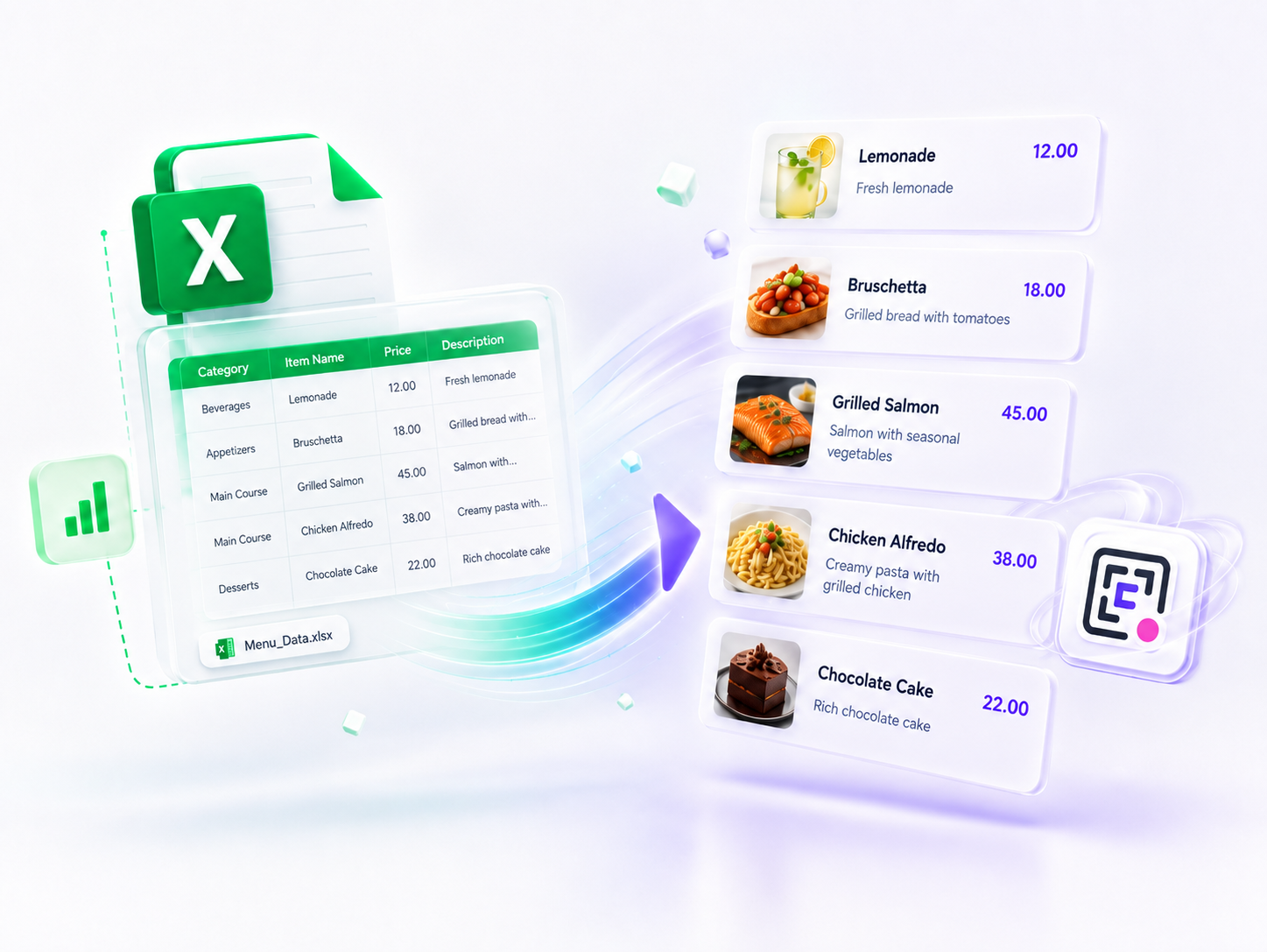
Use FAYA's existing import flow to bring menu data from XLS, XLSX, or CSV files. Review the mapped fields and supported images before saving them to the restaurant menu.
Best for
Restaurants with long menus or existing spreadsheet data that want a faster first setup.
What you get
A guided import into the same dashboard editors used for later menu updates.
What this adds to your menu
Support for XLS, XLSX, and CSV menu files
Category and dish field mapping before import
Supported extraction of images embedded in spreadsheets
Start simple
Import first, then keep full editing control
The importer accelerates initial data entry without creating a parallel menu. After import, owners continue editing categories, dishes, images, and prices through the normal dashboard workflow.
Explore related features
A QR menu with your restaurant's own link
Let guests scan, browse, and return to a menu URL carrying your restaurant name.
A dedicated tablet menu for the table
Give guests a visual, restaurant-branded menu on a dedicated tablet or iPad.
Make the digital menu feel like your restaurant
Choose a theme, then control colors, fonts, imagery, layout, and device presentation.
Create your restaurant's digital menu
Choose a design, add your items, and publish a menu with a memorable link carrying your restaurant name.
Start free