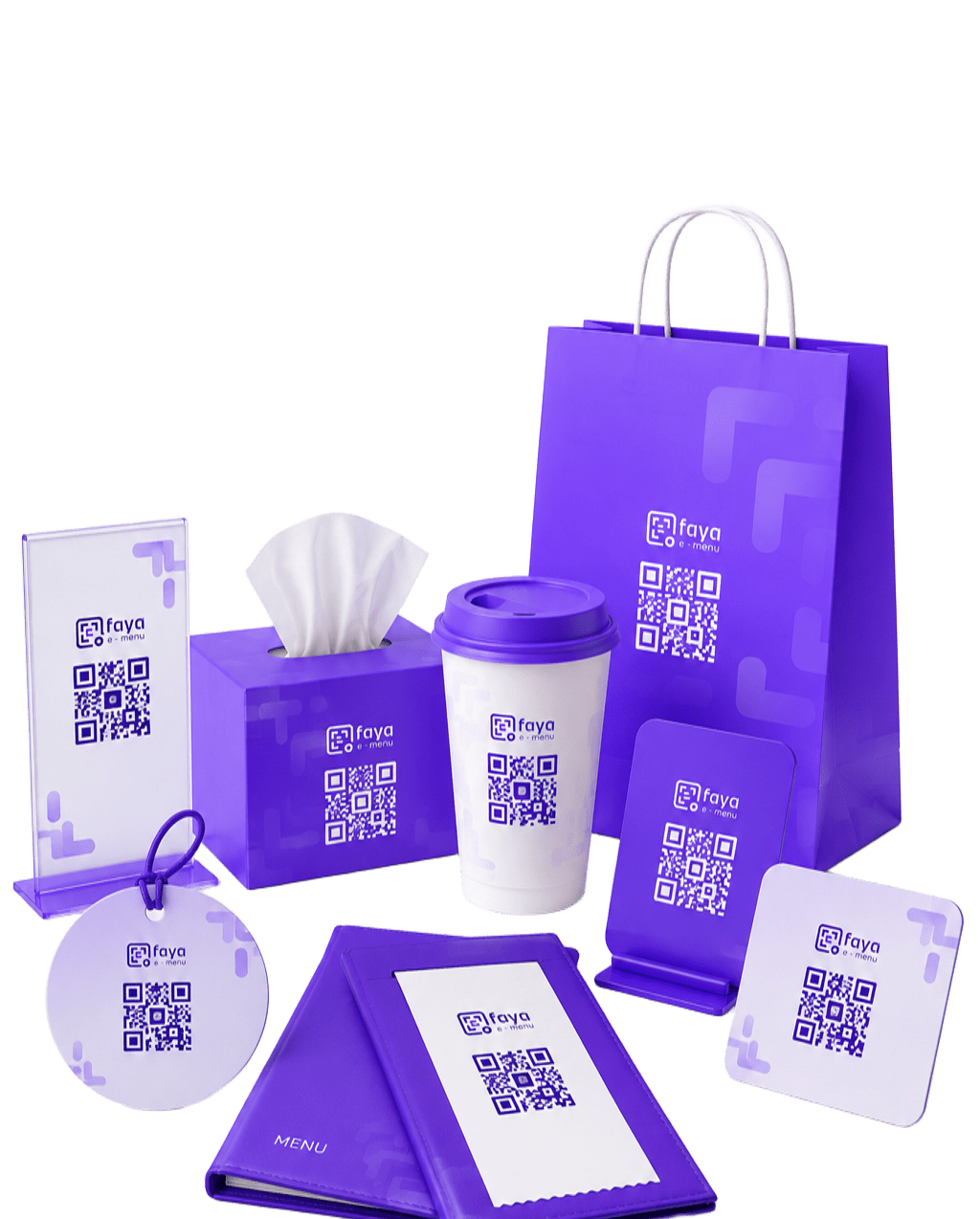
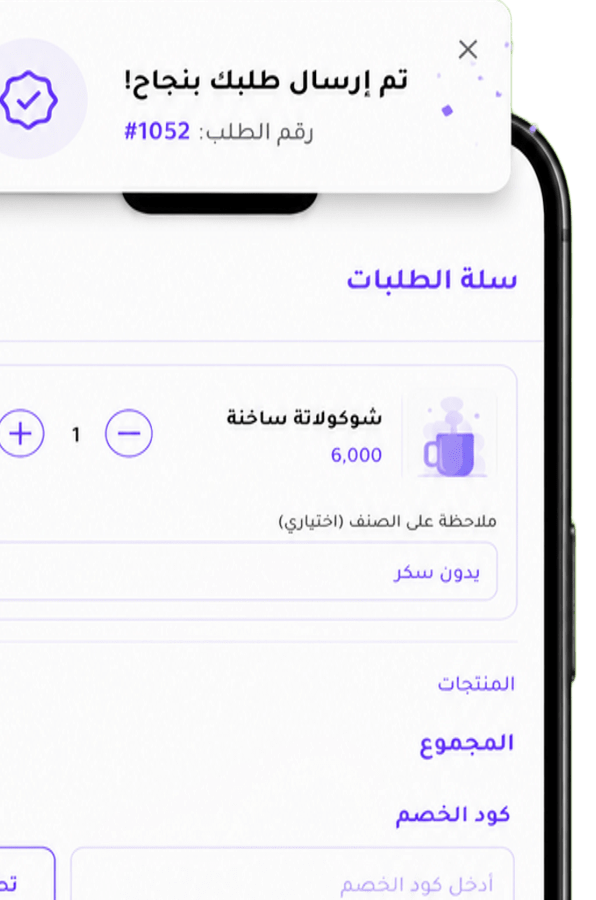
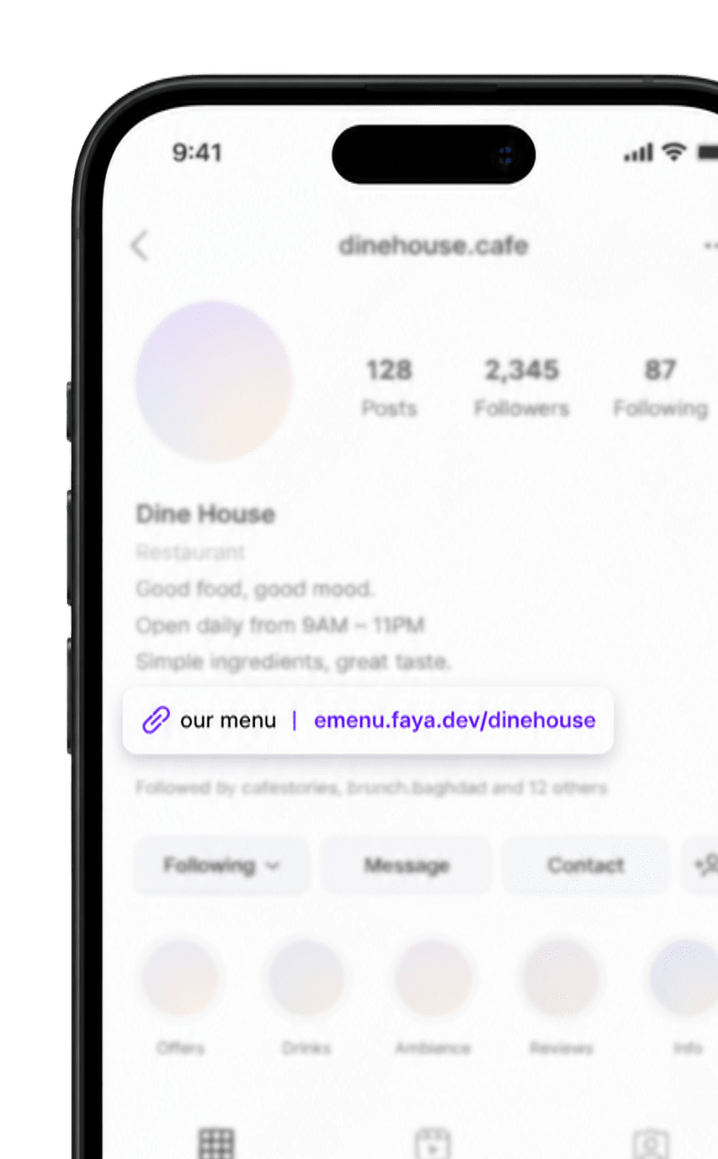
Wider reach
Place it on bags, tables, and anywhere customers see it
Restaurant ordering platform
From QR and tablet to receiving the order — FAYA connects the guest experience to how you run the restaurant.
Start in seconds
Drop a PDF or photo of your paper menu. FAYA reads sections, dishes, and prices — then you create an account and review everything before publishing.
Paper menu being scanned
About 30 seconds
Menu not ready yet? Register now and upload it whenever you like.
Sections & dishes
Categories and items extracted from the page
Prices kept
IQD prices mapped for each readable dish
Arabic & English names
When both languages appear on the menu
Review before publish
Confirm everything in the import wizard after signup
Your file remembered
Extracted data stays with you through signup
Dashboard ready
Open import review as soon as your account exists
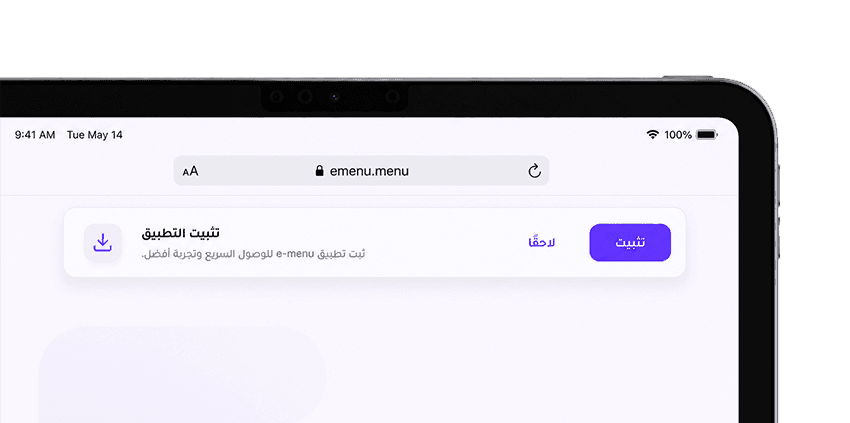
A smooth, fast experience with no app-store download required.
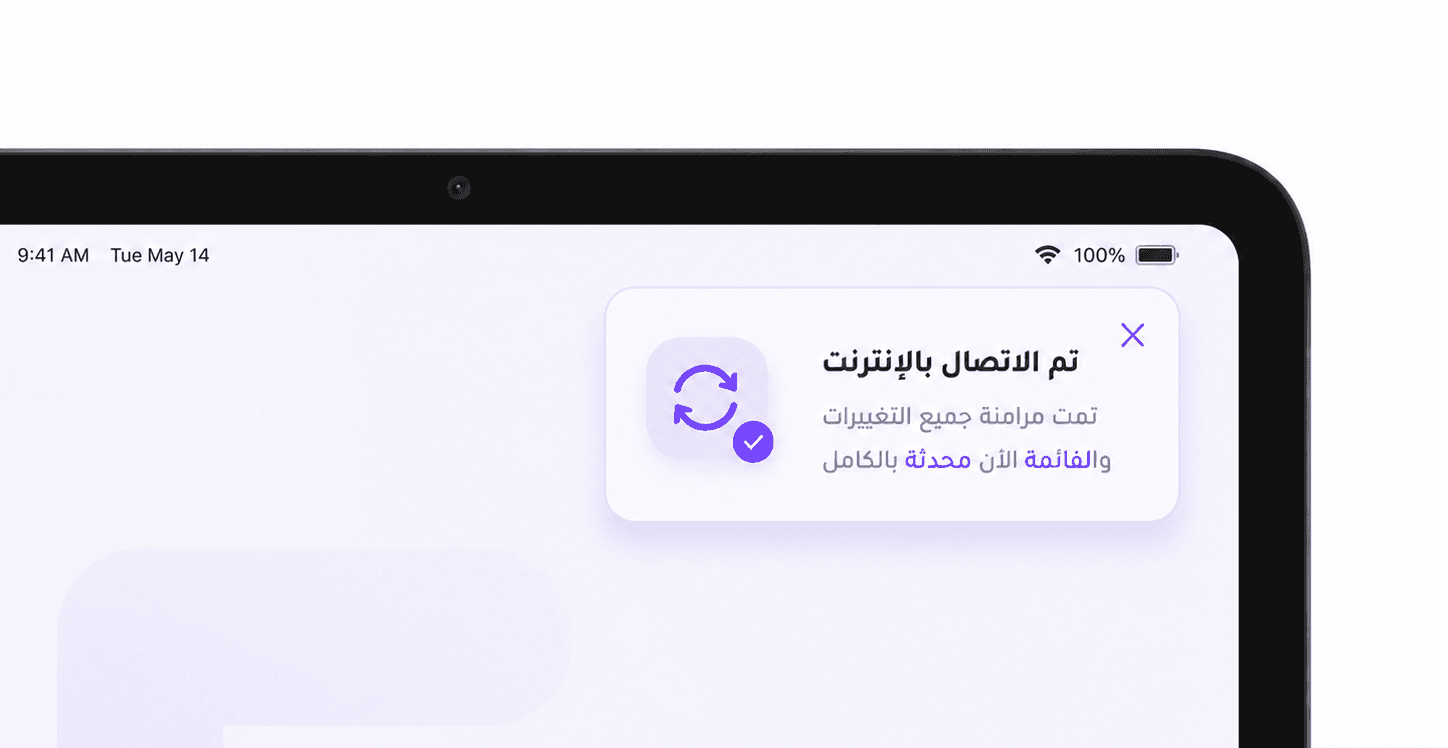
Change anything in the menu, hit update, and it appears instantly.
Keeps working without internet, with instant sync when reconnected.
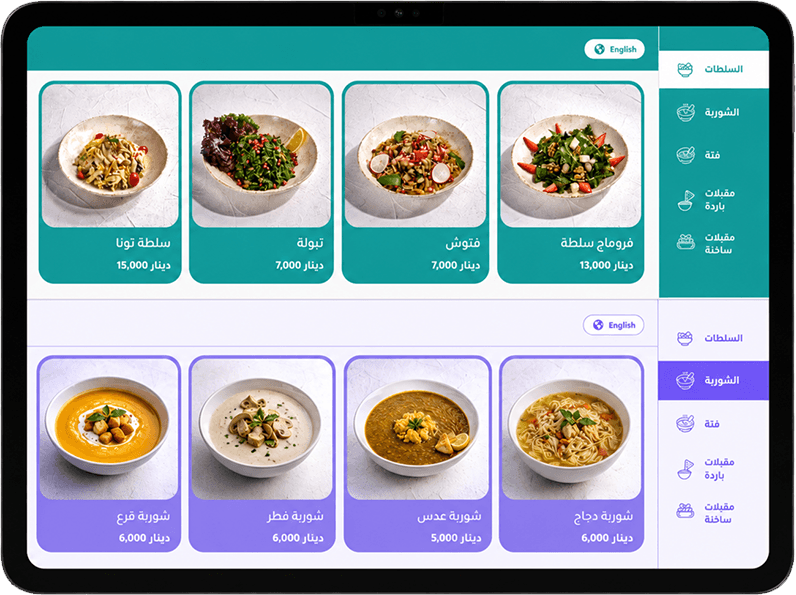
Premium layouts made for tablet screens that reflect your brand.
Each theme has its own layout, navigation, dish presentation, and visual character—so you can choose the experience that fits your menu and brand.
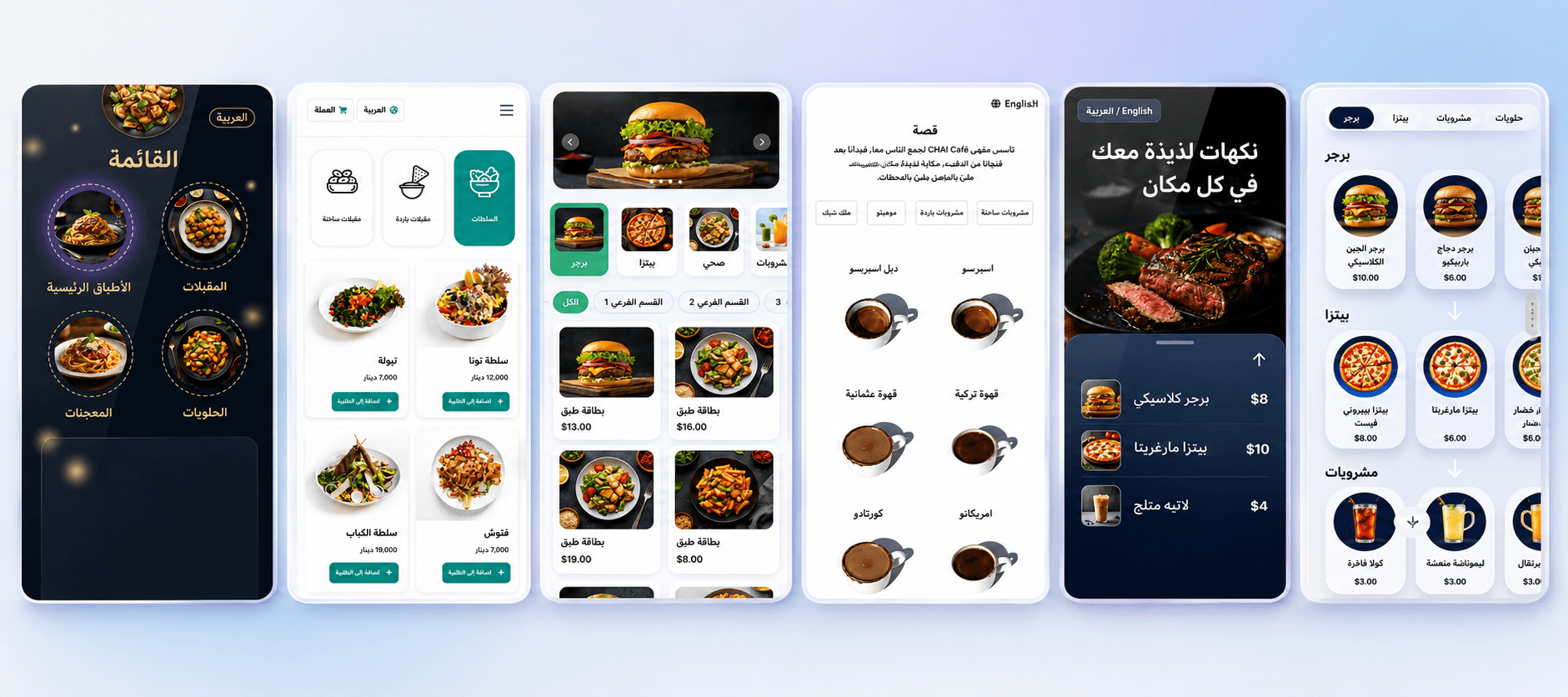
Choose tabs, visual sections, immersive screens, or focused product grids.
From clean and minimal to dark, rich, and editorial—every theme feels unique.
Adapt colors, typography, imagery, and menu details to match your identity.
From fonts to colors to layout — change anything and see it update on the live preview instantly, then publish it with one click whenever you're ready.
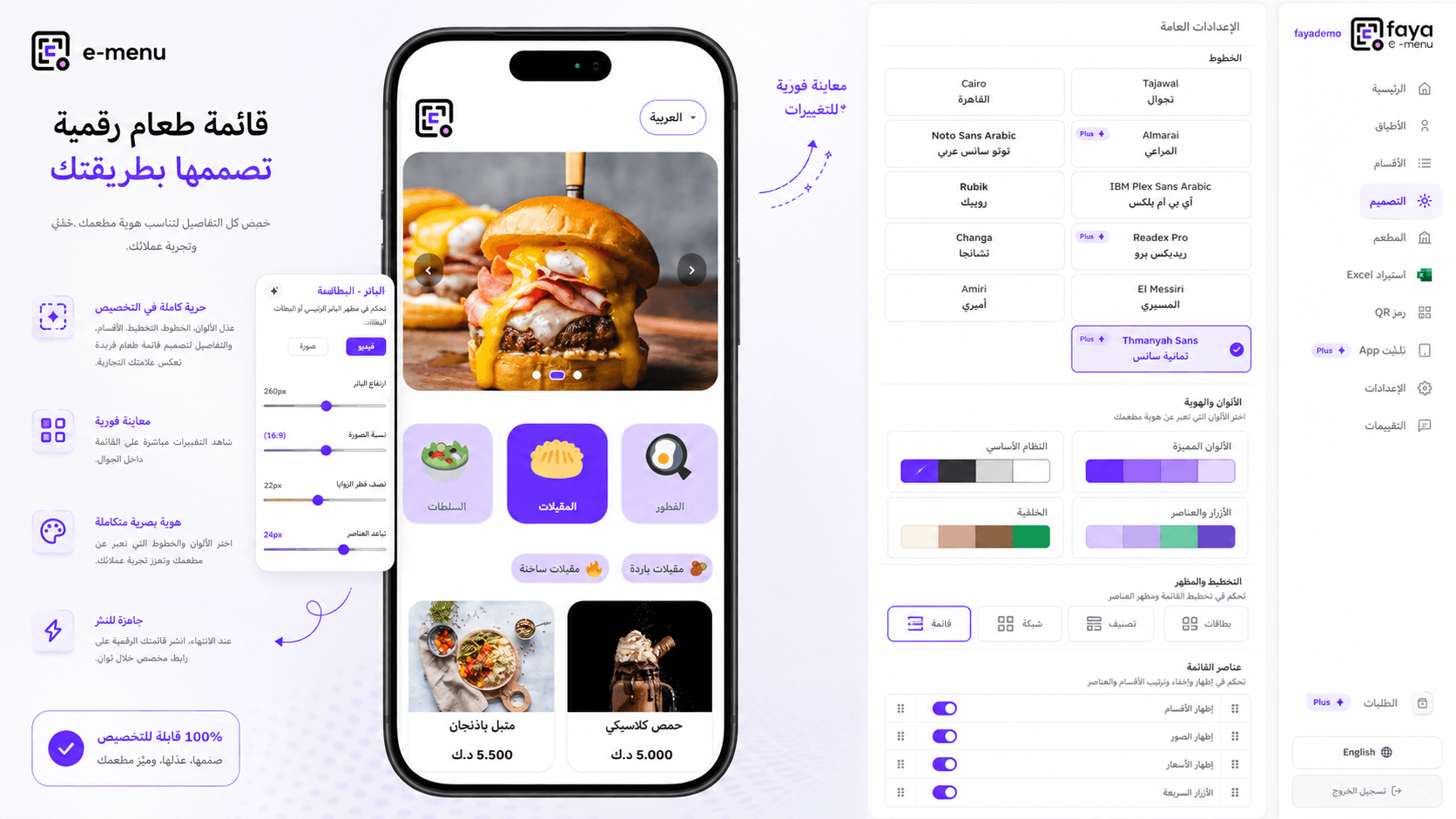
Pick from dozens of Arabic and English fonts, from classic to premium options.
Set your brand color, accent color, background, and buttons — each on its own.
Switch between list, grid, or categorized views, and toggle sections, images, and prices.
See every change reflected live on the menu, then publish with a single click when you're ready.
ADS SCREEN
Display stunning ads, promotions, and announcements on a smart digital screen to engage your customers and boost your sales.
Crystal-clear visuals that make every offer stand out.
Change your images and videos whenever your offers or announcements change.
Turn every glance into interest, visits, and sales.
Perfect for restaurants, cafes, retail stores, events, and more.
Not just a list of tickets — the path is clear: they open the menu, confirm the order, you accept it, then it can print or reach FAYA POS.
The guest scans the QR or opens the tablet and browses dishes.
They choose the item, add it, and send the order with their details.
New orders show up automatically so you can accept or reject them.
Follow print status and move the ticket to cashier or kitchen.
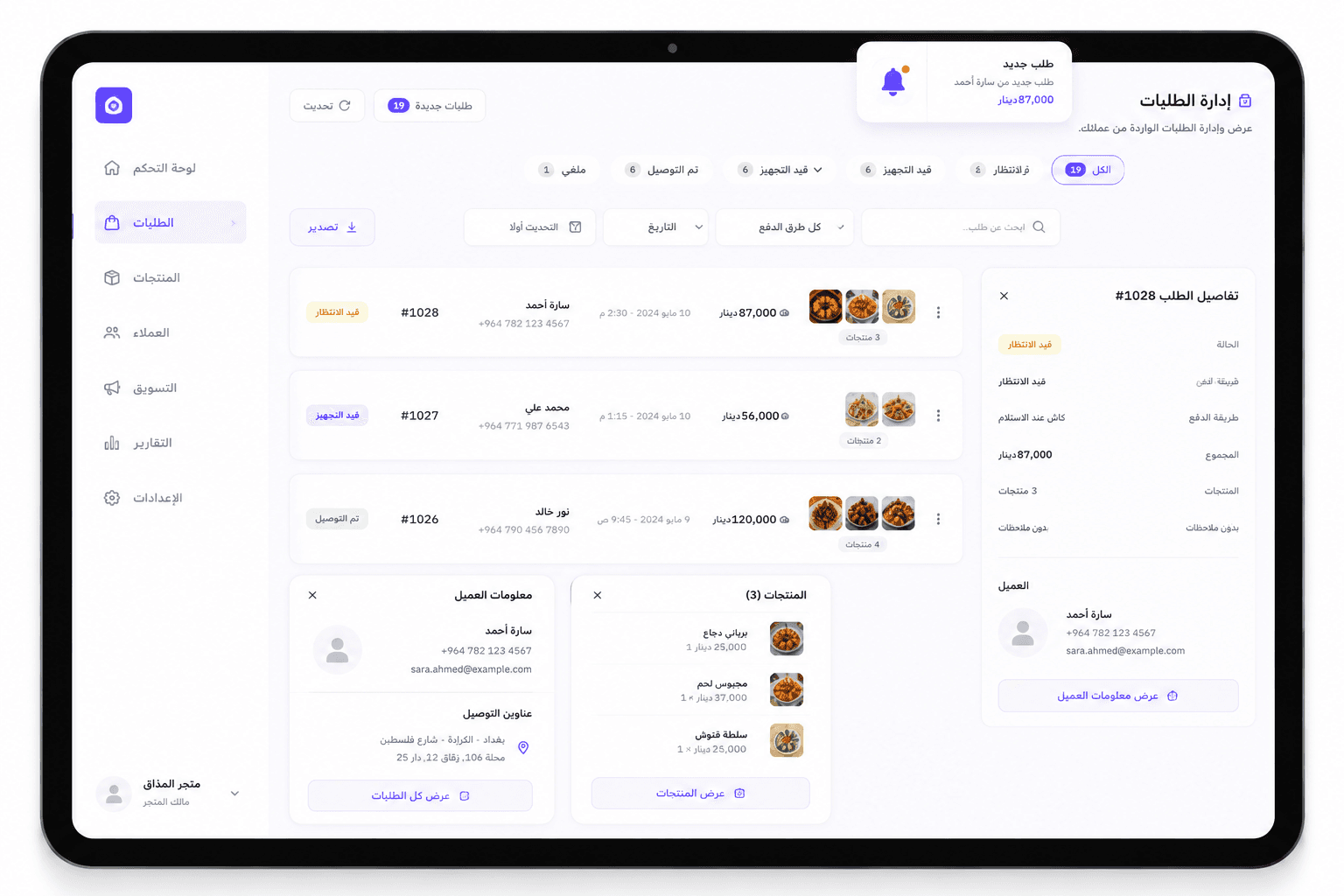
FAYA POS is a device tied to your e-menu orders. A new ticket alerts you so you can review, accept, and print the receipt without leaving the flow.
Included with the Plus plan — add tablet anytime.
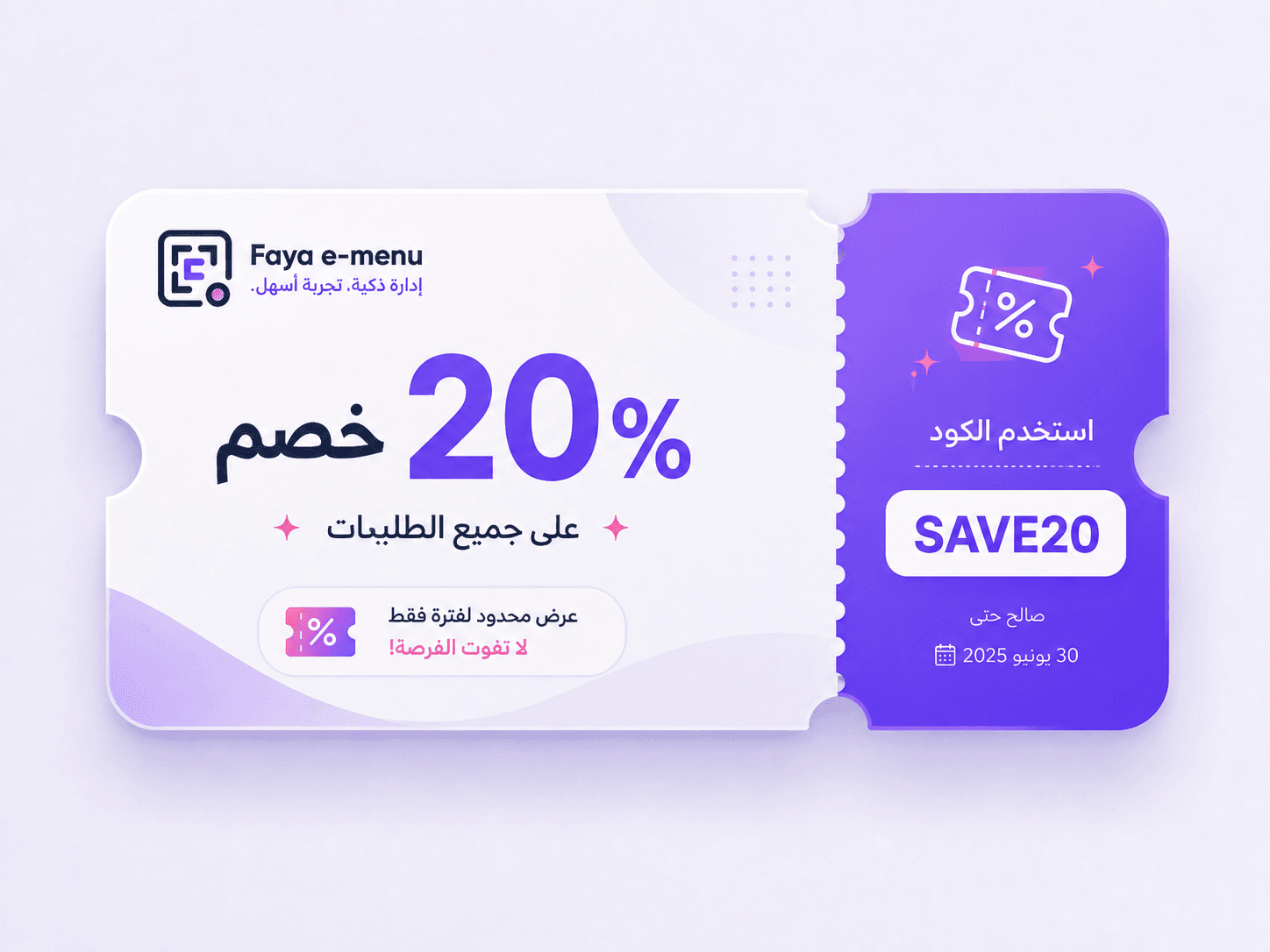
See the Plus planCreate a coupon in Orders, set its discount and validity, then share the code with your customers.
Explore the restaurants and businesses using FAYA to present their menus and stay closer to their guests.
FAYA E-Menu
Client network
We're proud of long-standing partnerships with leading brands across diverse industries.
Short, clear tutorials to help you set up your menu, customize it, and manage your tools with ease.
The complete tutorial playlist
Faya Dev · 9 videos
Play the videos in order or open the playlist inside the player to jump to any tutorial.
Deep dives into ordering, cashier mode, and E-Menu AI — written for restaurant owners and partners.
Yes, the app is designed to be easy to use, requiring no technical expertise.